
How to Assign a Package to a Student
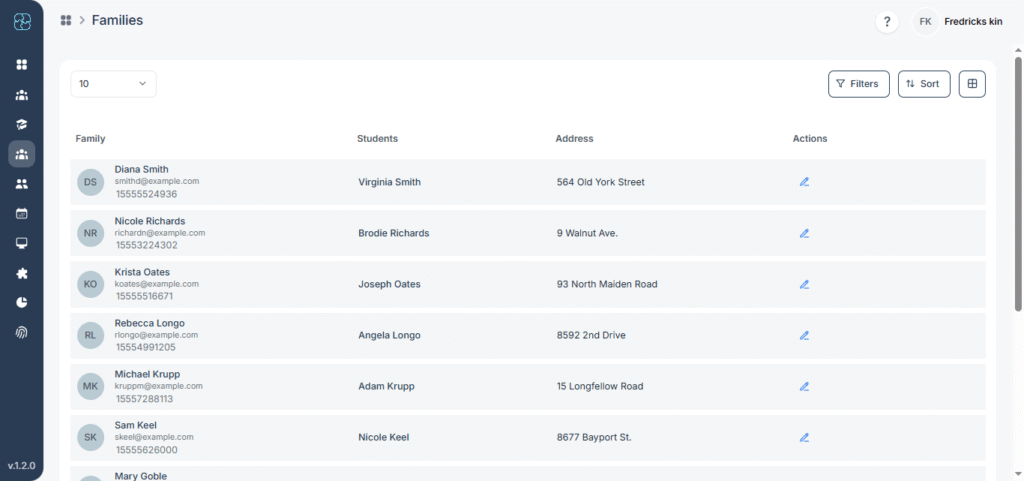
Assigning packages to families allows sessions to be redeemed and tracked easily. This tutorial walks you through opening a family profile, creating an invoice with a package, and finalizing the assignment so it appears in both invoices and usage reports.
How to change company billing type?
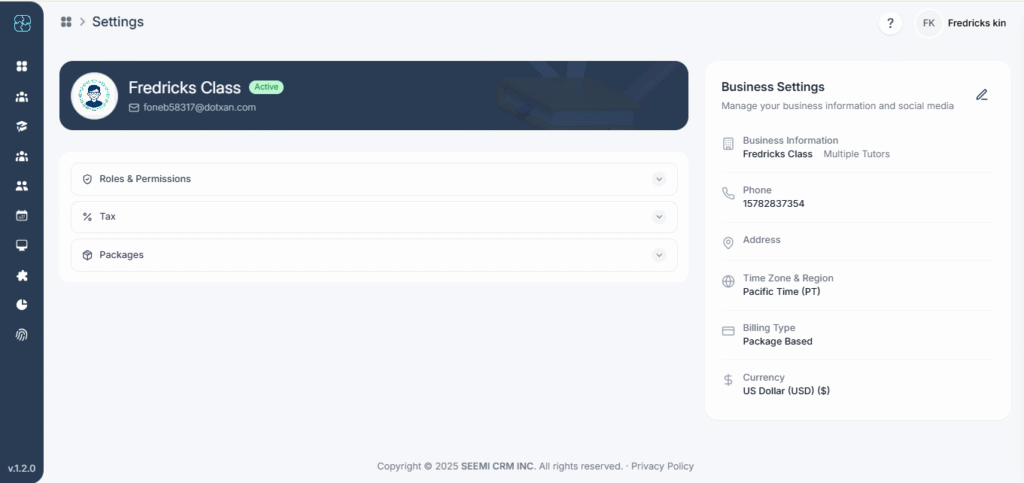
Learn how to update your company’s billing type in just a few steps. This tutorial shows you where to find the billing type settings, the available options (Calendar-Based, Package-Based, or Hybrid), and how to apply changes so your invoices and billing align with your business model.
Getting Started with Seemi: A Step-by-Step Guide for family
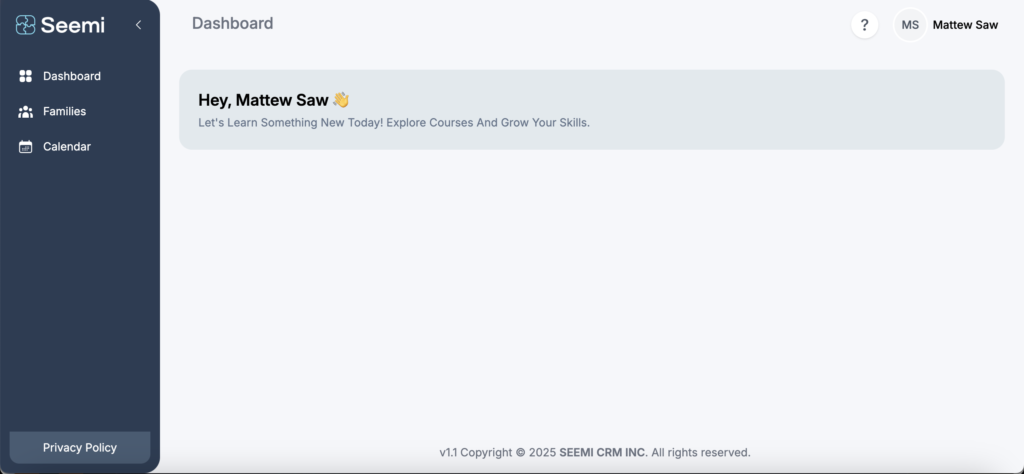
A Step-by-Step Guide for Parents and Guardians
As a family member, Seemi gives you access to your child’s learning information, invoices, and schedules, all in one place.
Getting Started with Seemi: A Step-by-Step Guide for Students
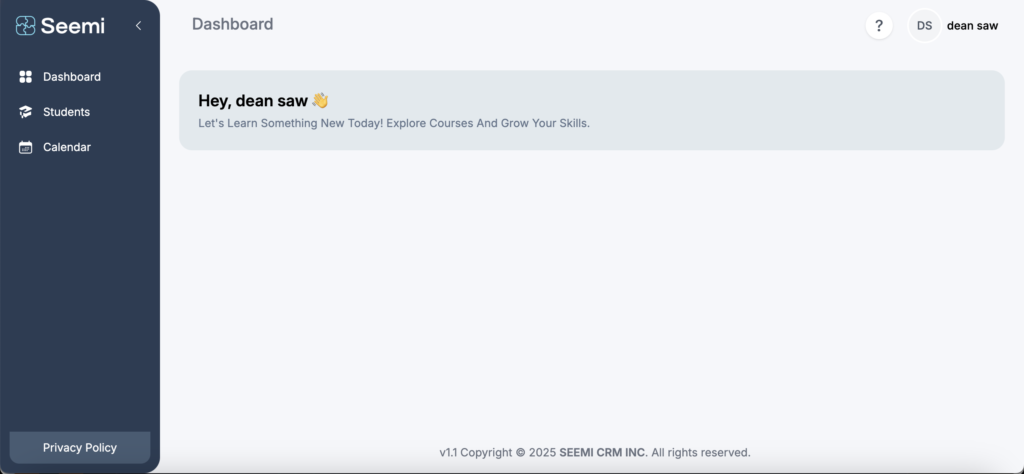
Welcome to Seemi, your smart learning companion! Follow the steps below to activate your account and start tracking your lessons, materials, and progress.
Tutor Guide, Managing Tutoring Sessions
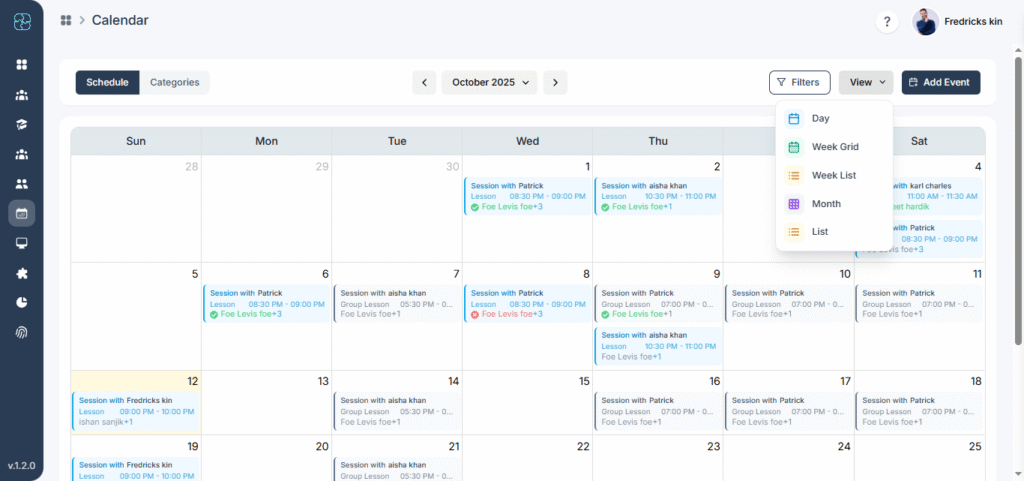
This guide will walk you through how to use the Calendar feature in Seemi to manage your sessions effectively — from viewing schedules to taking attendance.
How to Check Student Details in Seemi
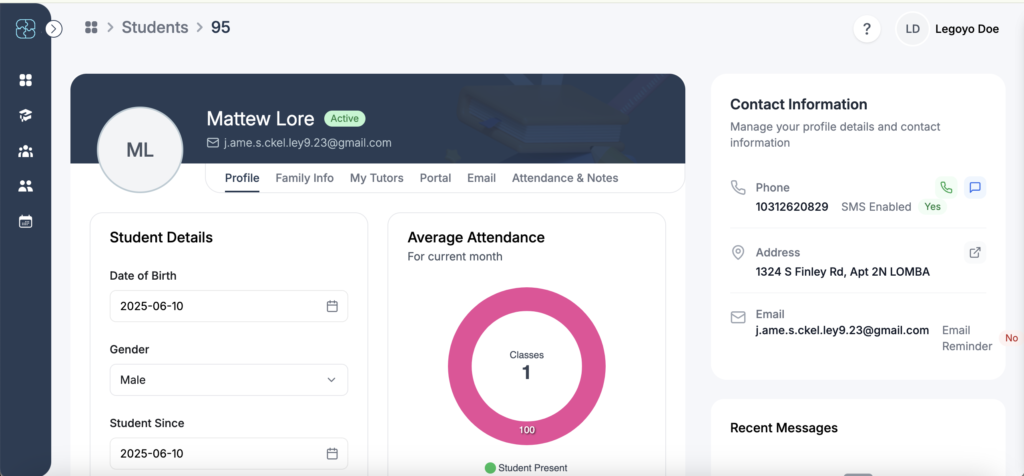
Welcome to Seemi! As a tutor, you’ll be managing and tracking your assigned students. This guide walks you through how to view student details effectively.
Seemi Onboarding Guide for New Team Members
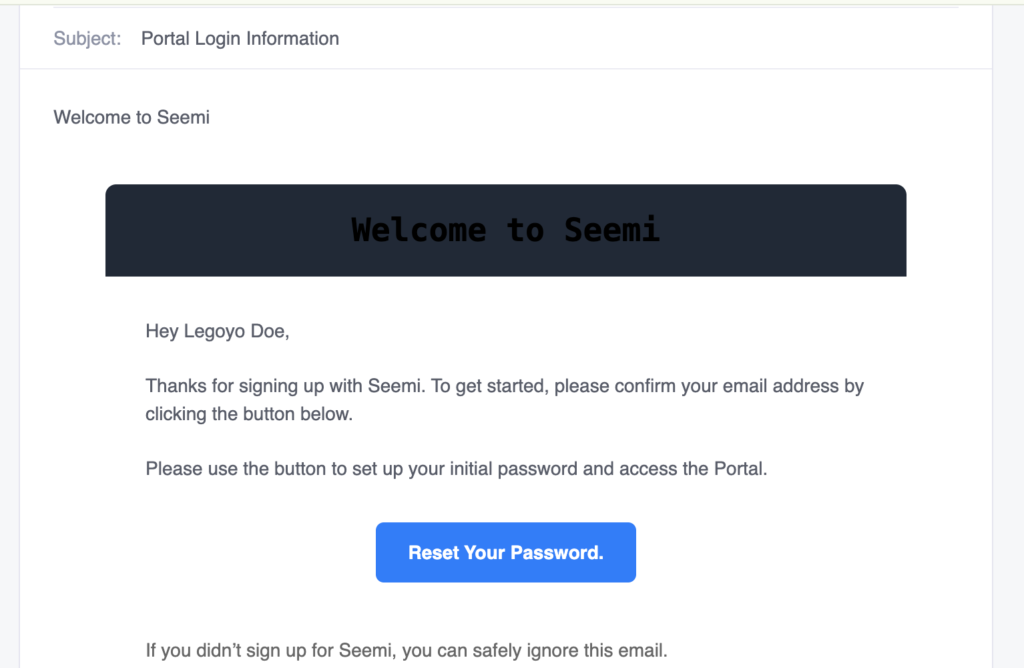
Welcome to Seemi! Follow these simple steps to activate your account and start using the portal.
How to enable and disable 2fa
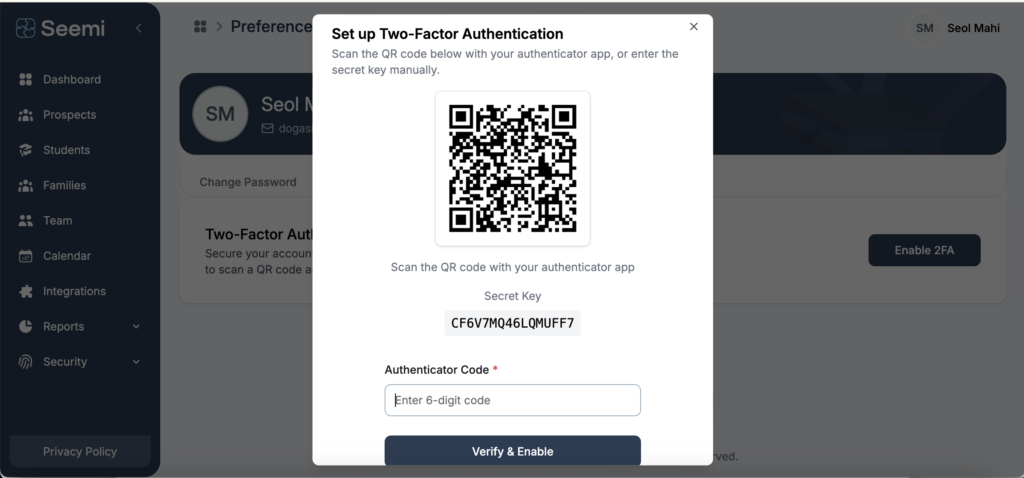
Here is a step-by-step guide for enabling and disabling Two-Factor Authentication (2FA) in Seemi CRM;
How to enable parent access
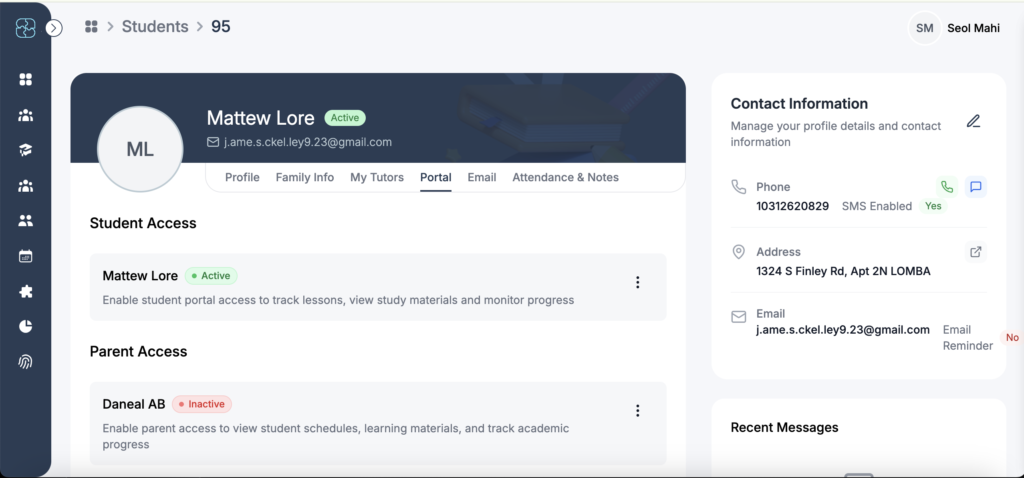
Step by step Guide on how to enable parent access.
How to enable student access
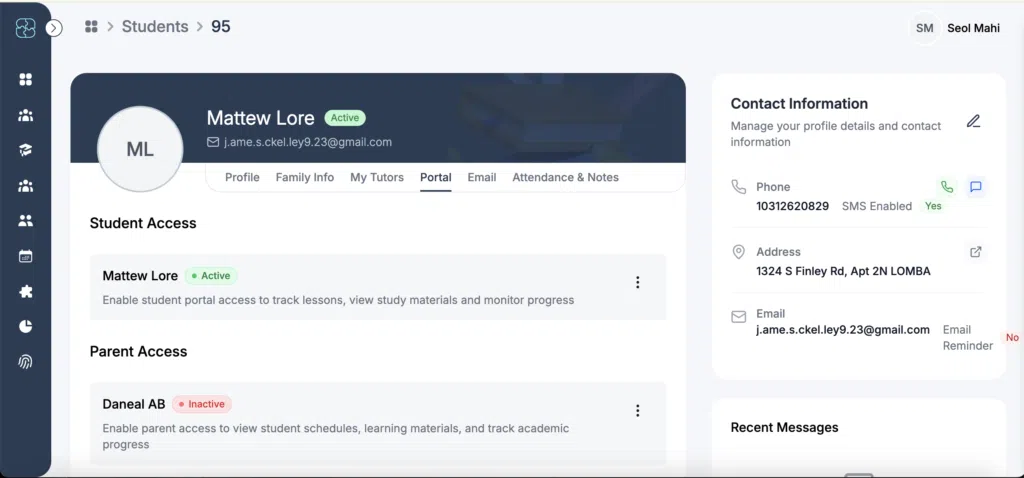
This tutorial will teach you user guide on how to enable student access.