
How to Register a Prospect as a Student
This guide explains how to convert a prospect into a student in the system. Prospects are individuals who have shown interest in your tutoring services, and once they’re ready to join, you can register them as active students in just a few easy steps.
Step 1:Open the Prospects Module
From your left-hand sidebar, click Prospects.
You’ll see a list of all potential students along with their contact details, status, and priority level.
Step 2: Select the Prospect to Register
In the Actions column, click the Add as Student icon next to the prospect you wish to register.
This action allows you to start the registration process and convert the selected prospect into a student.
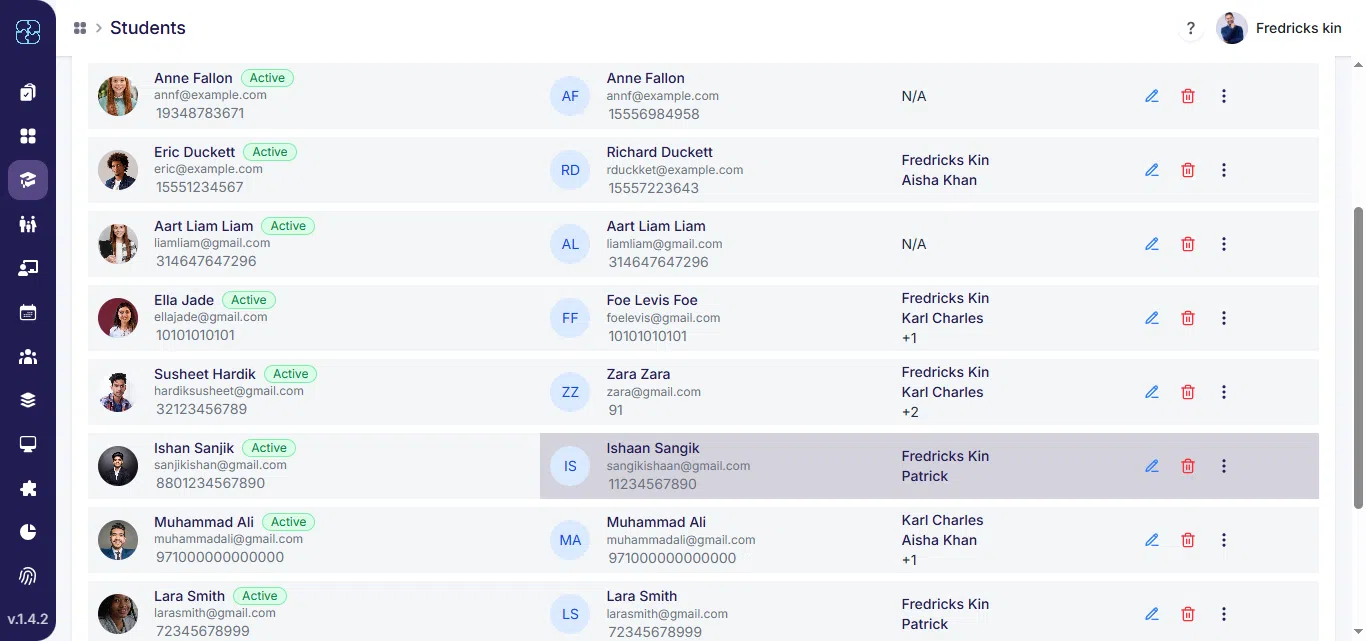
Step 3: Fill in Family Details
A pop-up will appear asking:
- First Name and Last Name
- Email Address
- Mobile Number
- Address
You can also enable SMS Notifications if needed.
Once all details are complete, click Continue to proceed.

Step 4: Choose Family Option
Next you’ll see a options:
- Link to an Existing Family, or
- Create a New Family Profile
Select the option that fits your case.
If the student belongs to a family already in the system, choose Existing Family.
If not, choose New Family to create a new one
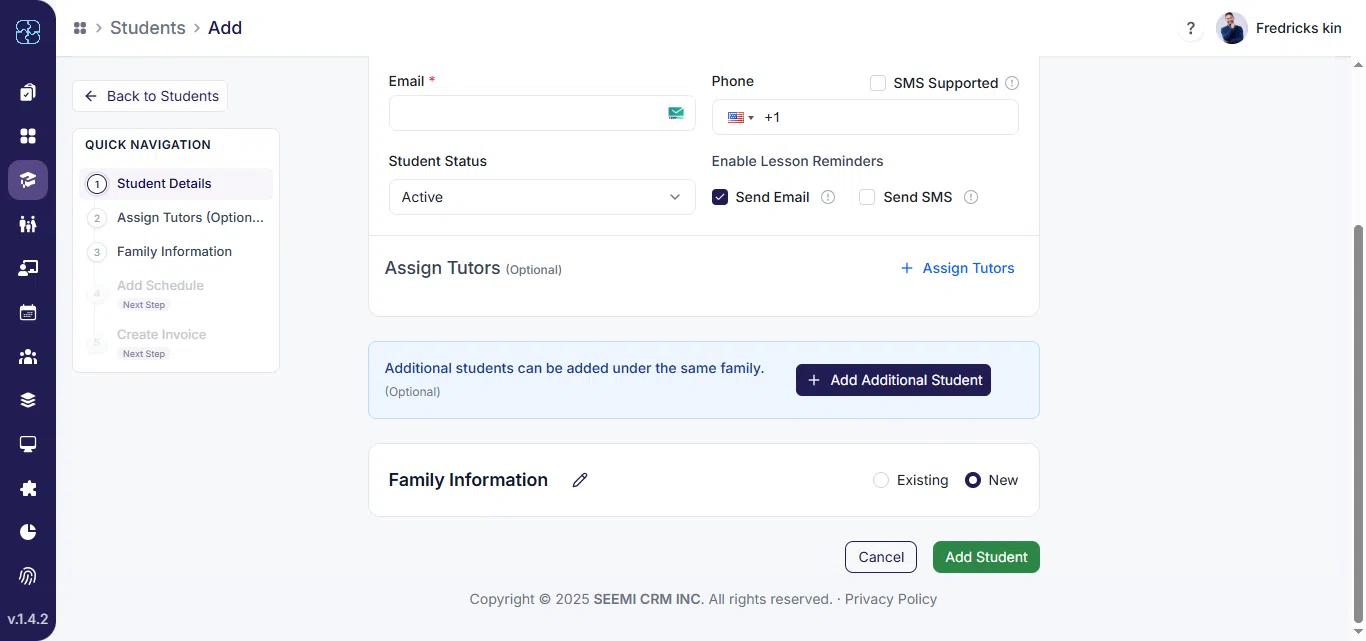
Step 5: Prospect Registered Successfully
Once you’ve completed the form, the prospect will be converted into a student and linked to the selected family profile.
Common Questions
It means converting an interested lead into an active student so you can manage their classes, billing, and progress.
Go to the Prospects module, click the Add as Student icon, and follow the steps to link or create a family profile.
Choose Existing Family if the family already exists in your records. Select New Family to add new contact and billing details.
Enter the family’s name, email, mobile number, and address. You can also enable SMS notifications if needed.
Once the form is submitted, the prospect appears in the Students list, linked to the selected family.
Yes. Open the student or family profile anytime to update contact or notification information.